Monitor cluster tables and tablets
Review database tables and their tablets on the Databases tab. The tab lists the databases or keyspaces (depending on the selected API), with the number and size of the tables in each database.
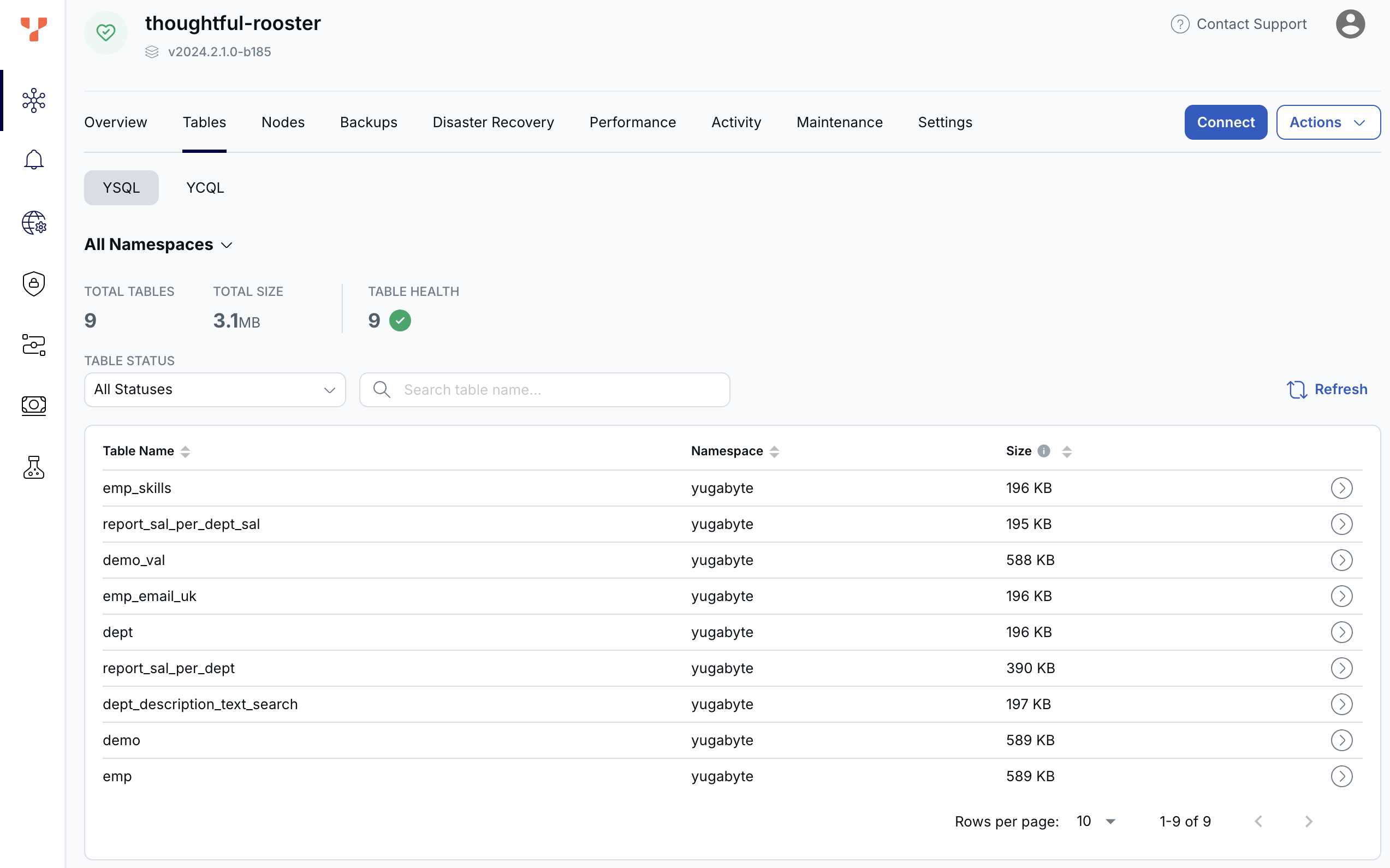
To view database tables, click the database whose tables you want to view in the list. The table view lists the tables and their size, as well as their health, including which tables are under-replicated.
Note that table size is calculated from the sum of the write ahead logs (WAL) and sorted-string table (SST) files, across all nodes in the cluster. Changes to the database are first recorded to the WAL. Periodically, these logs are written to SST files for longer-term storage. During this process, the data is compressed. When this happens, you may observe a reduction in the total size of tables.
To view table tablets, click the table in the list. The tablets view lists the tablets and their replication status.
For more information on replication in YugabyteDB, refer to the following topics: