LibreDB Studio
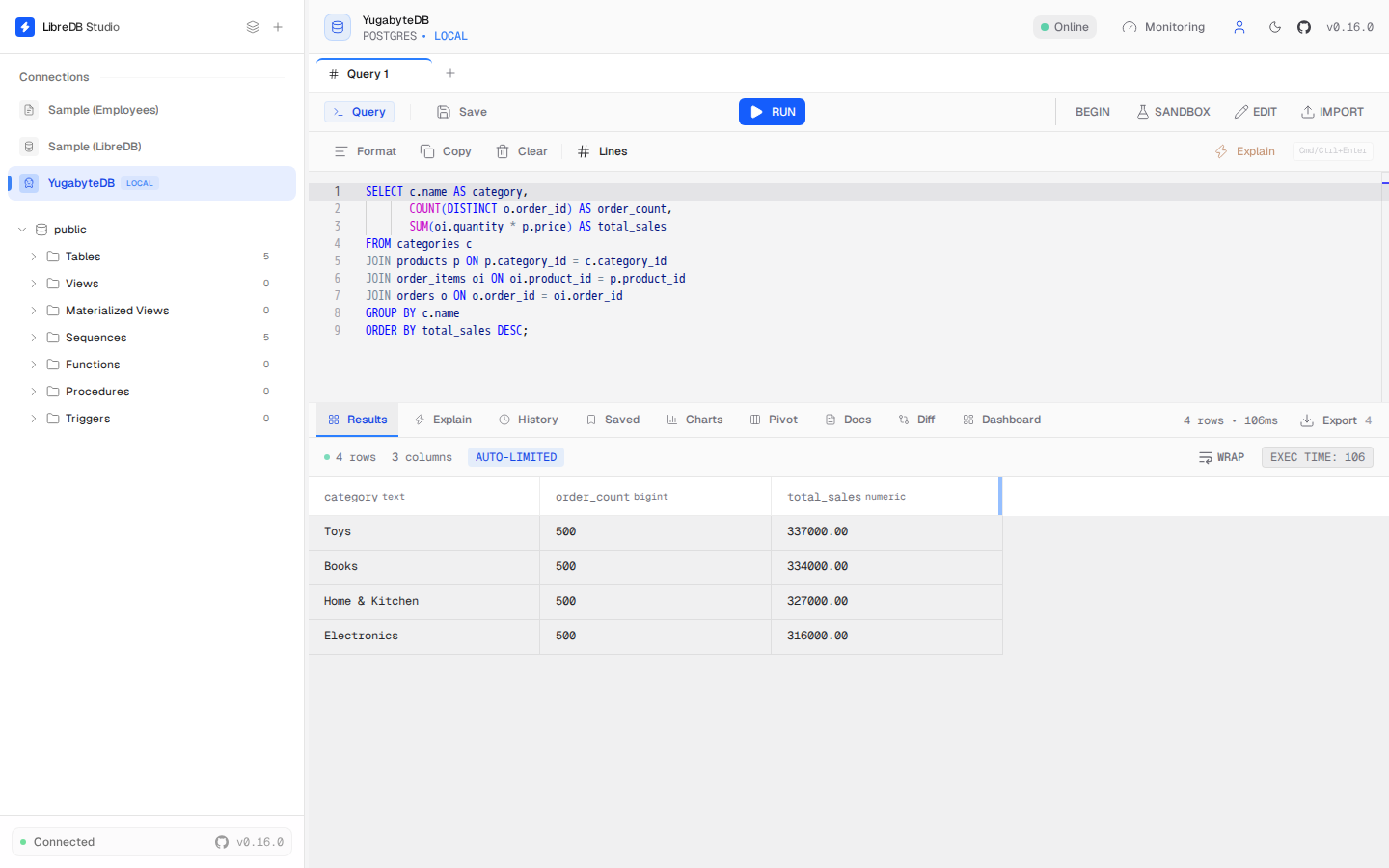
LibreDB Studio is an open source (MIT licensed) SQL IDE that runs in a browser. Unlike a desktop client, it is deployed next to your database as a container, a Helm chart, an OpenShift operator, or an npm package. Because YugabyteDB is PostgreSQL-compatible, LibreDB Studio connects to YugabyteDB YSQL using the PostgreSQL wire protocol, the same way it connects to PostgreSQL itself.
Before you begin
Your YugabyteDB cluster should be up and running. Refer to YugabyteDB prerequisites.
A table that has not yet been analyzed, such as a small or rarely-written lookup table, shows 0 rows in the schema browser until YugabyteDB's Auto Analyze service catches up or you run ANALYZE on it manually; larger, actively-written tables are unaffected. Per-index size and the overall database size always read as 0 bytes, even after ANALYZE, because YugabyteDB stores that data in DocDB rather than local heap files, and the PostgreSQL catalog functions behind those two fields (pg_relation_size, pg_database_size) do not see it there.
Install LibreDB Studio
LibreDB Studio is not a desktop download. Run it as a container:
docker run -p 3000:3000 ghcr.io/libredb/libredb-studio:latest
Helm chart, OpenShift operator, and npm package installs are also available. See the LibreDB Studio documentation for details.
Create a connection
To connect LibreDB Studio to a YugabyteDB cluster:
- Open LibreDB Studio in your browser and sign in.
- Click Add Connection.
- For the connection type, select PostgreSQL.
- Fill in the connection parameters. Use port 5433 for YSQL, not the PostgreSQL default of 5432.
- For YugabyteDB Aeon clusters, open SSL / TLS and provide the cluster certificate; Aeon requires TLS.
- Click Test Connection to verify, then Establish Connection.
The connection appears in the sidebar. You can browse schemas, run queries, and view results in the browser.
What's next
For details on using LibreDB Studio, refer to the LibreDB Studio documentation.
YugabyteDB includes sample databases for you to explore. Refer to Sample datasets.