Quick start
 Use a cloud cluster
 Use a local cluster
The quickest way to get started with YugabyteDB Aeon is to create a free Serverless Postgres cluster. Serverless Postgres is free up to 2 vCPU and 16 GiB of memory, and no credit card is required.
-
Click Start free. (If you don't see the Start free option, select the Clusters page, then click Explore Cluster Types.)
This displays the Create Postgres Cluster dialog with settings already selected:
- Cluster name
- Engine, region, and compute
- Your IP address added as a trusted IP so that you will be able to connect to the cluster from your machine
- Database credentials.
-
Click Download Credentials to download the credentials file to your machine. You will use these to connect to your database.
-
Click Create Cluster.
When finished, your cluster is listed on the Clusters page.
-
Select the cluster to open it.
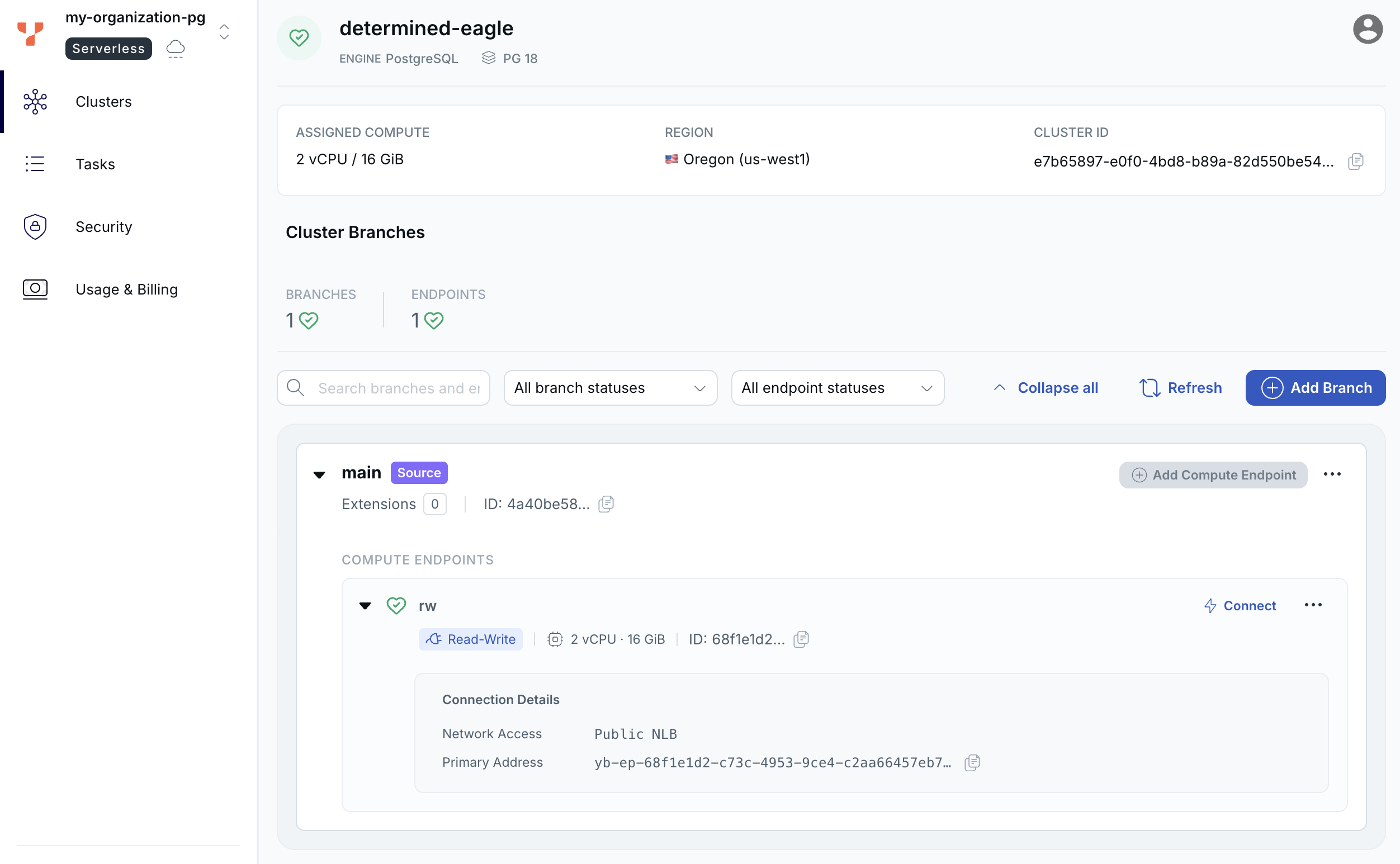
The first time you create a cluster, YugabyteDB Aeon creates the Serverless account in your organization. This account is used for all your serverless clusters.
Connect to the cluster
A new cluster has one read-write endpoint on the main branch. Clients can connect through a public endpoint limited by trusted IP addresses. In this case, you provided the address of your own machine when creating the free cluster.
Connect to your cluster's endpoint using psql:
-
Under the main branch Compute Endpoints, click Connect.
-
If the dialog offers Download CA Cert, click it and save the certificate.
-
Click Copy to copy the connection string. The host and port are the endpoint's address. In the copied string, do the following:
- Replace
<DB USER>with your database username (adminunless you created another role). - Replace
postgresif you're connecting to a database other than the default. - Replace
<ROOT_CERT_PATH>with the path to the CA certificate you downloaded. If the endpoint doesn't require the CA certificate, the string has nosslmodeorsslrootcert.
If the endpoint has a DocumentDB address, the dialog also offers DocumentDB. Select it and copy that command instead.
- Replace
-
Run the command. When prompted, enter the password from the credentials file.
You can now run SQL against your Serverless Postgres database, and connect applications using any PostgreSQL driver.
